Pool Automation
A pool automation system is the brain of your pool. It allows you to control your pump, heater, salt system, lights, water features, and other equipment remotely, instead of having to walk out to your equipment and turn things on or off one switch at a time. You can set schedules, control equipment, and run your pool from your phone.
What does pool automation do?
A pool automation system is a control system that automates your pool equipment for you. Instead of operating each piece of equipment by hand, the system can turn equipment on and off from a remote device. You can control your pumps, cleaner, heater, salt system, water features, lights, and other equipment from an app on your phone or a remote. It takes the place of the old mechanical time clock that could only switch the pump on and off. With automation you can set schedules for your equipment to run the right hours each day, warm the spa before you get home, and have the lights come on at night without having to walk out to your equipment pad. Some systems also have the ability for your pool professional to check on your equipment remotely if needed. Today's automation systems are getting smarter with chemical monitoring and dosing, equipment diagnostic reporting, and features like advanced lighting control.
What are the signs your automation system needs attention?
Equipment will not turn on or off from the app or the panel
If you tap to turn equipment on or off but get no response, it can indicate that the relay that controls that piece of equipment may have failed. Relays are the switches inside the panel, and they handle thousands of on and off cycles over the years, so they are a common wear item. The fix is to replace the relay.
The app will not connect to your system
If the app shows your system as offline, the connection between the control panel and the internet may have been lost. This can be caused by a new router or Wi-Fi password, a connection device that has lost power, or firmware that needs updating. The equipment generally keeps running its schedule while this is happening, but you won’t have remote control.
Spa not holding water level, or spa mode not working
With automation, switching between pool and spa is handled by motorized valve actuators. If you find that the spa will not fill or hold water properly, one of the actuators may not be turning correctly. This can be fixed by adjusting the valve, or replacing the valve if the motor is out.
Schedules stop running, or the system loses the time and date
If your equipment stops following its schedule, or the system keeps losing the time, the control board may have a dead backup battery or a power issue. The schedule is stored on the board, so once it cannot hold the time, everything starts running at the wrong hours. Daylight saving time can also cause issues with schedules, so make sure the system is set to the correct date and time.
The control panel is dark or shows no display
If the panel has no lights and no display, it is not getting power or has lost it. That can be a tripped breaker, a failed transformer, or a control board that has gone out. Until the panel has power again, the system cannot run your equipment, so it is best to have it looked at quickly.
Your system is old and parts are getting hard to find
If your system is several years old, replacement parts can get hard to find, especially once a line has been discontinued. Pentair’s EasyTouch and IntelliTouch are two common examples. When parts get scarce, an upgrade kit makes more sense than trying to find old parts. If you are interested in an upgrade kit, give us a call and we can help you identify which one you need.
These are some of the most common signs. An automation system connects your pump, heater, lights, and the rest of your equipment, so the symptom you notice does not always point straight to the cause. When something is off, a Pool Equipment Diagnostic is the place to start. We come out, find the issue, tell you what we found, and never begin work without your approval.
Can you upgrade your existing automation?
Yes, there are several different upgrade kits available, and it usually costs far less than replacing the whole box. If your automation is dated or no longer supported, you do not always have to tear out the panel and start over. Each major brand offers an upgrade kit for most systems that keeps your existing panel, breakers, and wiring in place and swaps in modern electronics, so you get app control, scheduling, and remote monitoring without paying for a full replacement.
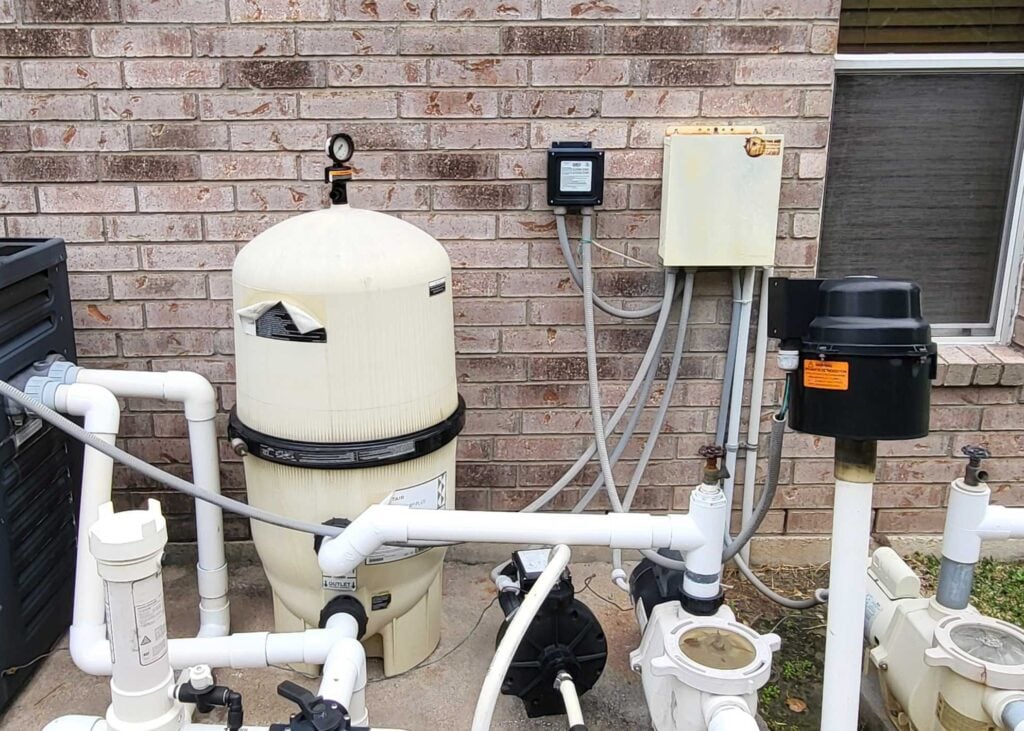 Before: older panel
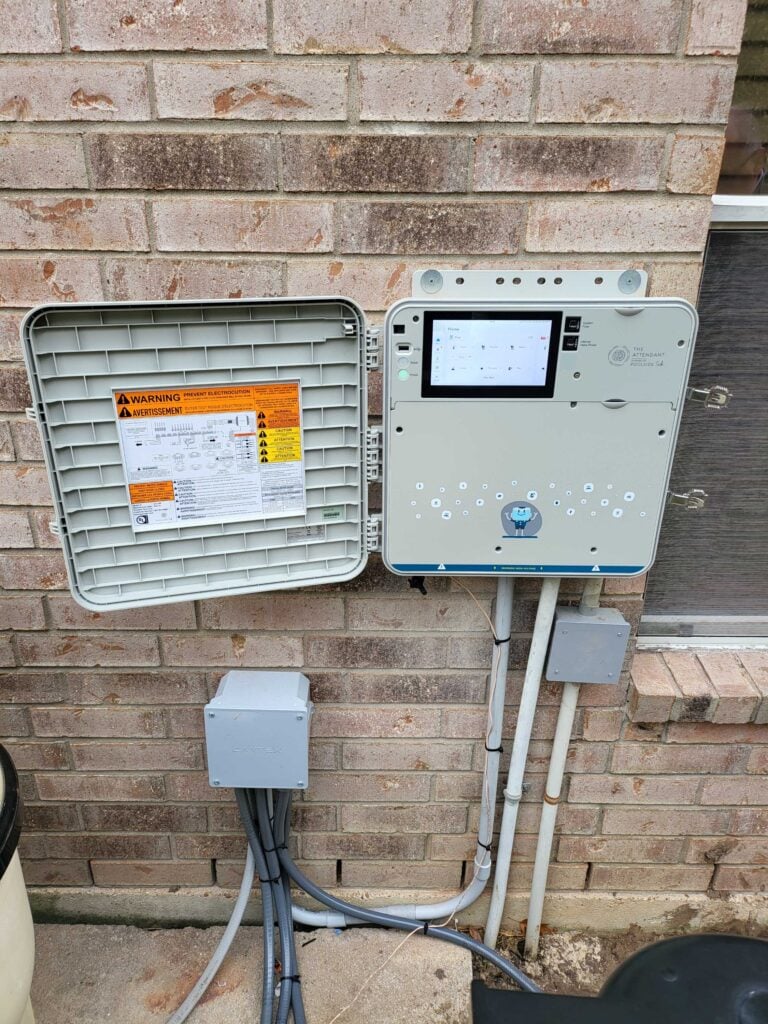 After: smart control
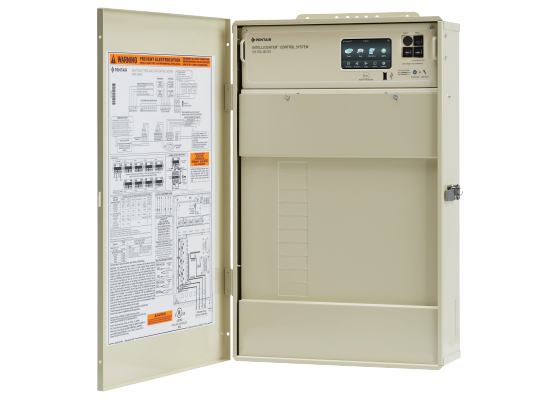
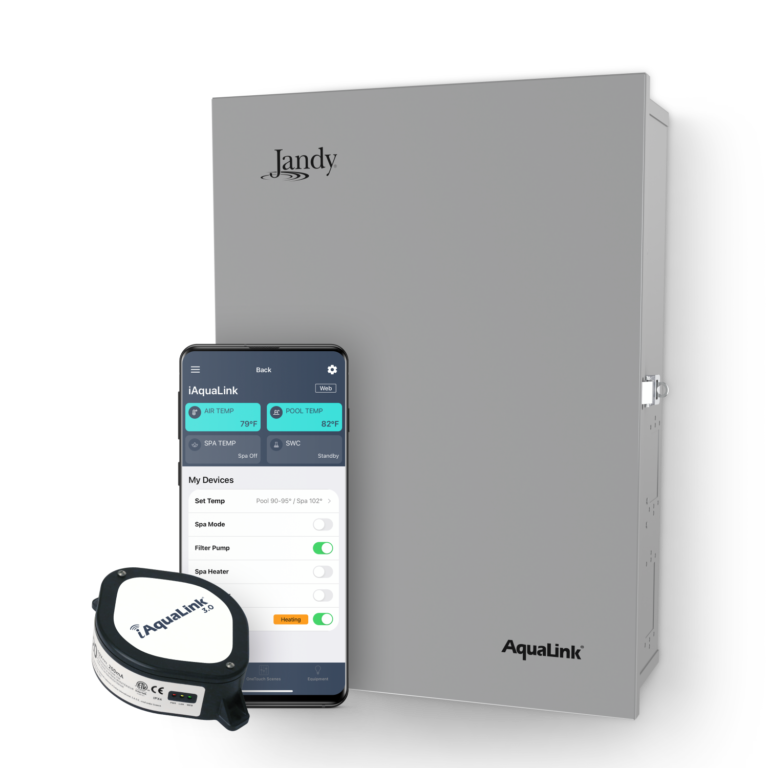
Each major brand has its own kit. Hayward’s OmniPL Retrofit Kit brings older ProLogic, AquaLogic, and AquaPlus systems onto the OmniLogic platform. Pentair’s IntelliCenter Upgrade Kit turns an older EasyTouch or IntelliTouch system into an IntelliCenter by replacing only the internal electronics and display. Jandy’s iAquaLink 3.0 kit adds Wi-Fi and app control to an existing AquaLink RS system. In each case you keep the panel and wiring and swap the electronics, a much smaller job than a full replacement.
Poolside Tech takes a different approach. Its Legacy Automation Conversion Kit lets The Attendant take over almost any existing automation box, no matter the brand. The old panel becomes the load center, and The Attendant runs everything from there, so you are not locked into the brand you started with. It also has chemistry monitoring and equipment alerts available, and it works with equipment from Hayward, Pentair, and Jandy.
Upgrade kits tie into the electrical that powers your equipment, so they are installed by our licensed and trained equipment Technicians. If your system is aging, no longer supported, or you would just like to have the latest technology, give us a call and we can tell you which upgrade path fits your situation the best.
Automation systems we install and service.
We are an authorized provider for the automation brands below: Poolside Tech, Hayward, Pentair, and Jandy. These are the main systems we install and service. If you do not see your system, call us at 832-473-5715 and we can help you identify it.
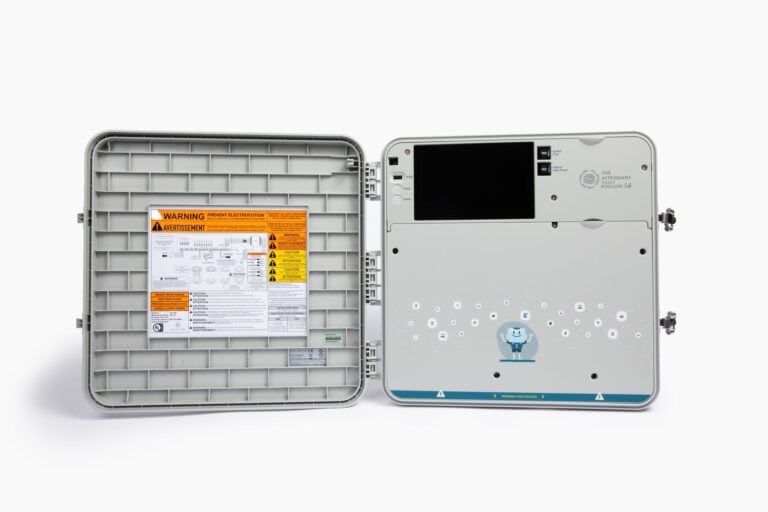 Our Pick
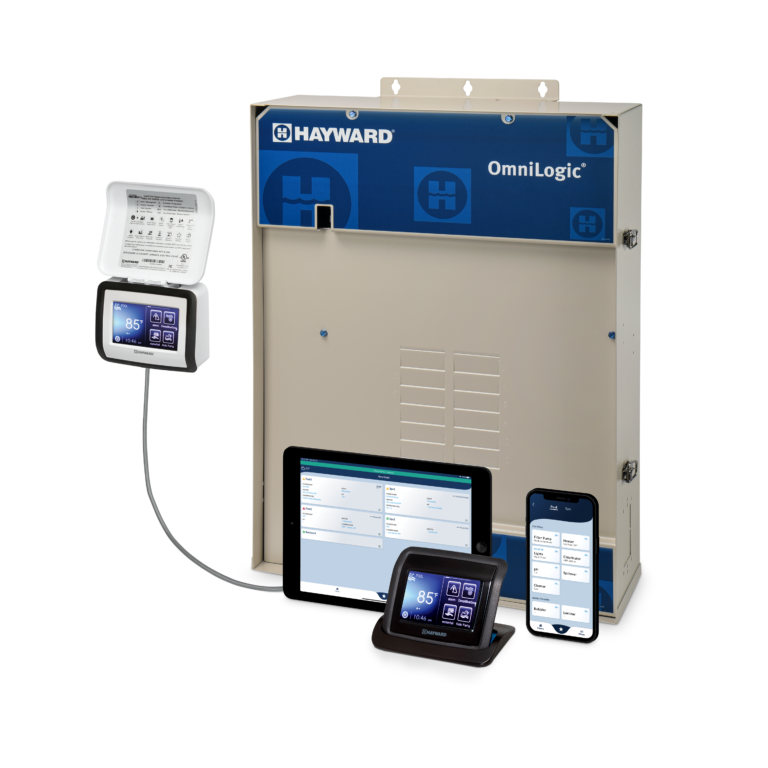
Frequently Asked
Questions about pool automation.
Yes, in most cases. What usually decides whether or not adding automation is feasible is the electrical at your pad and the equipment you already have. Automation systems need power wired in, so if your pad does not have adequate power, that will need to be added. Also some older equipment may not be compatible with some systems. We look at your setup during a Pool Equipment Diagnostic and tell you what is possible and what it would take.
In most cases, yes. Automation runs the equipment you already have, including your pump, heater, and salt system, instead of replacing it. Controllers work best with equipment from the same brand, so the one you already run is usually the easiest fit. You can mix brands to a point, but not everything works together, so we confirm what your setup supports before anything is installed.
Yes, most systems now have mobile control. Once a system is set up, you control your pool from an app on your phone. You can set schedules, adjust the temperature, switch on the spa, and run lights and water features from anywhere. Most systems also work with Amazon Alexa and Google voice assistants, and they let us check your equipment remotely when you need help.
Not always. Some older systems have been discontinued, including Pentair's EasyTouch and IntelliTouch, but that does not necessarily mean a full replacement. In many cases an upgrade kit can swap the internal electronics and bring the system up to date while keeping the rest of the setup in place. We start with a Pool Equipment Diagnostic and tell you whether a repair, an upgrade kit, or a replacement makes the most sense.
Most automation installs run between $1,500 and $4,000 or more. Upgrade kits sit at the low end, since they reuse your existing panel and wiring instead of replacing it. What you pay depends on how many pieces of equipment the controller will run and the add-on features you choose, like a salt system or Wi-Fi control. If you are interested in getting automation installed, give us a call and we will look at your setup and provide you with a quote.
Is something wrong with your automation system?
If your equipment will not respond, your app says your system is offline, or your schedules have stopped working, give us a call at 832-473-5715, or contact us online. We will schedule a Pool Equipment Diagnostic and figure out what is going on.
Request Equipment Service- 4.9 Google
- BBB A+
- Since 2011
- 100% Digital Reports
- Lic. TICL728